Sat, 2026/02/21 - 17:27
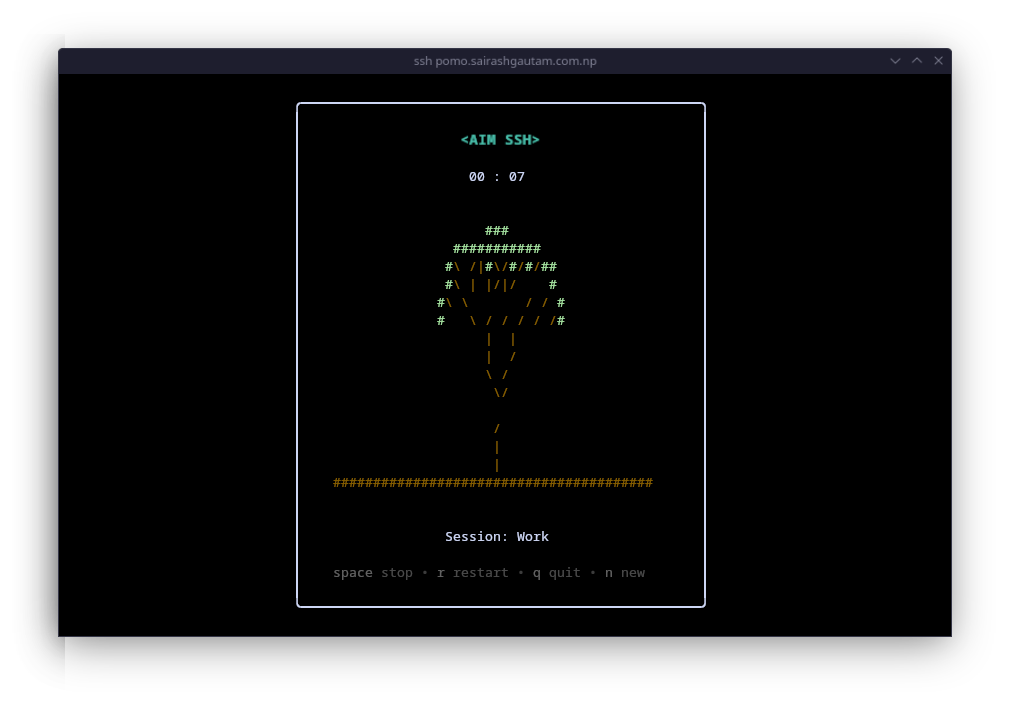
Even though I haven't posted much in years, this blog is always useful when it comes to promoting free software, exciting projects, and mistaken commands.
This is the case with a very good project, aimssh. This Go application is a Pomodoro Technique tool inside your terminal, which seeks to simplify everything: defining the time and what you invest that time in.
Let's see what the service would look like with Traefik; the docker-compose.yml would look like this. According to my services, it would accept connections through ports 80 and 443, which are quite uncommon for an SSH connection.
---
# docker stack config -c docker-compose.yml > docker-compose.swarm.yml
# docker stack deploy -c docker-compose.swarm.yml aimssh --prune -d

services:
  aimssh:
    image: codeberg.org/killua99/aimssh:latest
    networks:
      - traefik_proxy
    deploy:
      replicas: 1
      placement:
        constraints:
          - node.labels.internal == true
      restart_policy:
        condition: on-failure

      labels:
        - traefik.enable=true

        - traefik.tcp.routers.aimssh.entrypoints=web,websecure
        - traefik.tcp.routers.aimssh.rule=HostSNI(`aimssh.yoursite.sh`)
        - traefik.tcp.routers.aimssh.priority=10
        - traefik.tcp.routers.aimssh.tls.certresolver=certbot
        - traefik.tcp.routers.aimssh.tls.options=modern@file
        - traefik.tcp.routers.aimssh.tls.domains[0].main=aimssh.yoursite.sh
        - traefik.tcp.routers.aimssh.service=aimssh

        - traefik.tcp.services.aimssh.loadbalancer.server.port=13234

networks:
  traefik_proxy:
    external: true
This is what it should look like:
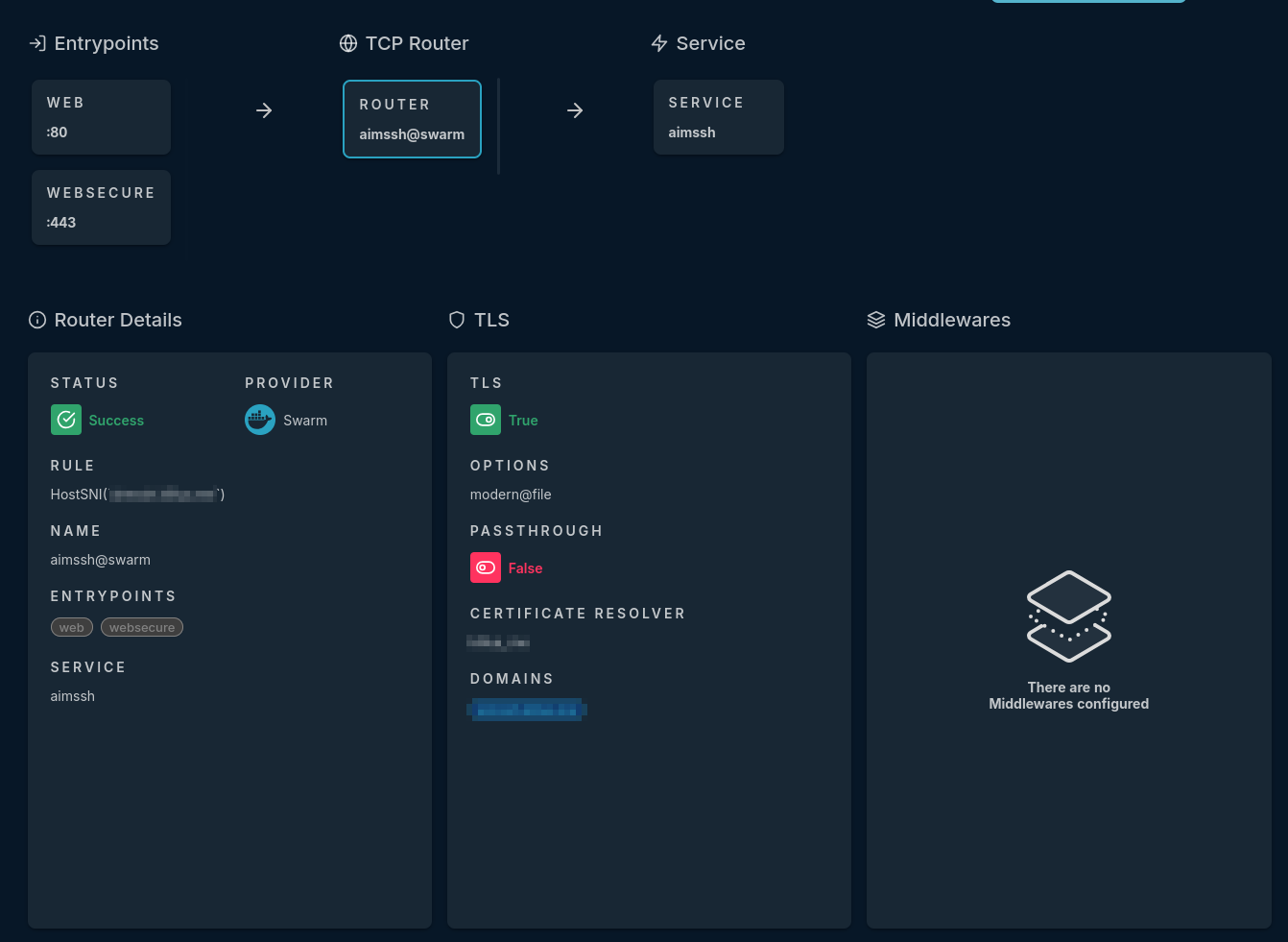
For this to work without any issues, we must do the following; since I'm using ports 80 and 443 to make a TCP connection, and the SSH SSL will use Certbot to validate the connection—it's a bit of a mess, but I didn't want to open port 22, even within my NAT. This is what the .ssh/config would look like:
host aimssh.yoursite.sh
  Port 443
  ProxyCommand openssl s_client -quiet -connect %h:%p -servername %h 2>/dev/null
  LogLevel QUIET
Once everything is configured, you should be able to run `ssh aimssh.yoursite.sh`, accept the connection, and start using aimssh.